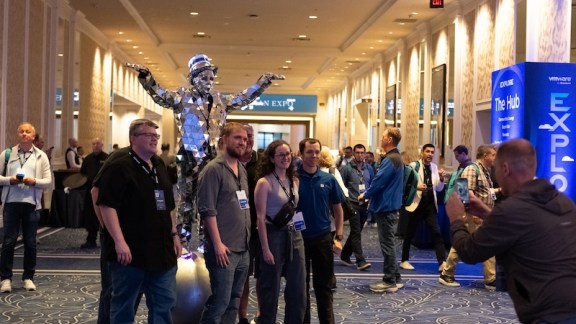
Join us at Explore
Las Vegas, Nevada | The Venetian
Aug. 31 – Sep. 3, 2026
Let’s look at the data center floor. If your hardware footprint is growing because you are prioritizing data sovereignty and moving workloads back on-prem, you are not alone. The industry shift toward keeping data local means IT practitioners are suddenly managing a lot more physical infrastructure. But buying more racks isn’t a strategy; it’s just an expensive game of Tetris.
The real challenge isn’t acquiring the hardware. It’s squeezing every last ounce of performance out of your existing bare metal. This is where optimizing software licensing becomes critical to maximizing your hardware ROI. You need to ensure you are capturing the full value of your VMware software footprint alongside your physical infrastructure so you aren’t leaving money or compute power on the table.
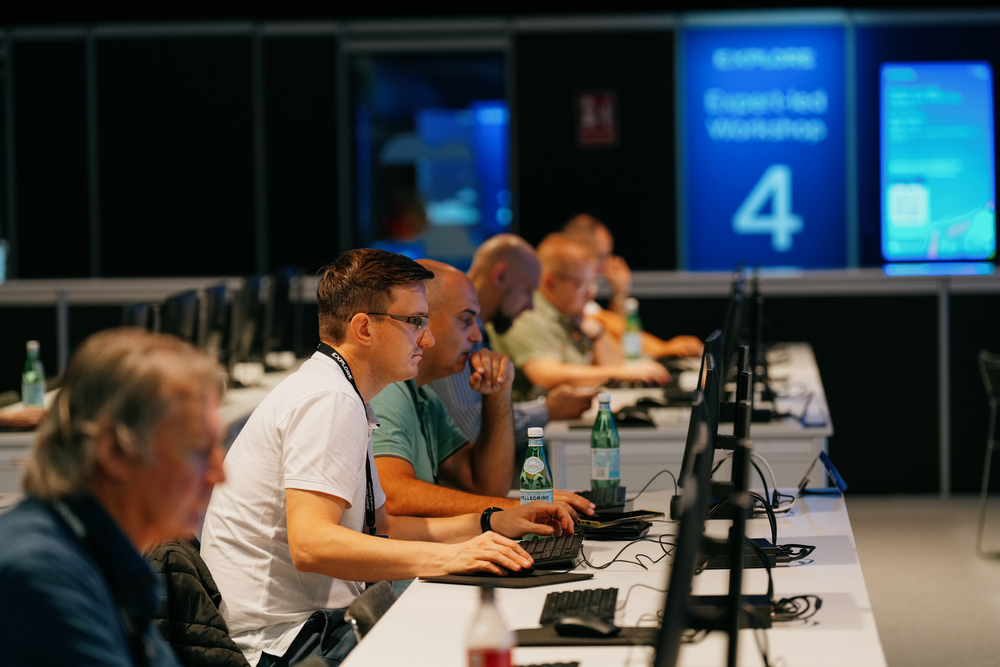
At VMware Explore 2026 in Las Vegas, we are cutting through the noise to focus on what matters to your day-to-day operations. If you are tasked with optimizing these expanding environments, this is where you need to be. Explore prioritizes curated technical training and direct engagement with the engineers behind the technology. Through focused technical sessions as well as VMware Hands-on Labs, you will learn how to optimize both virtual machines and containers on your existing investments.
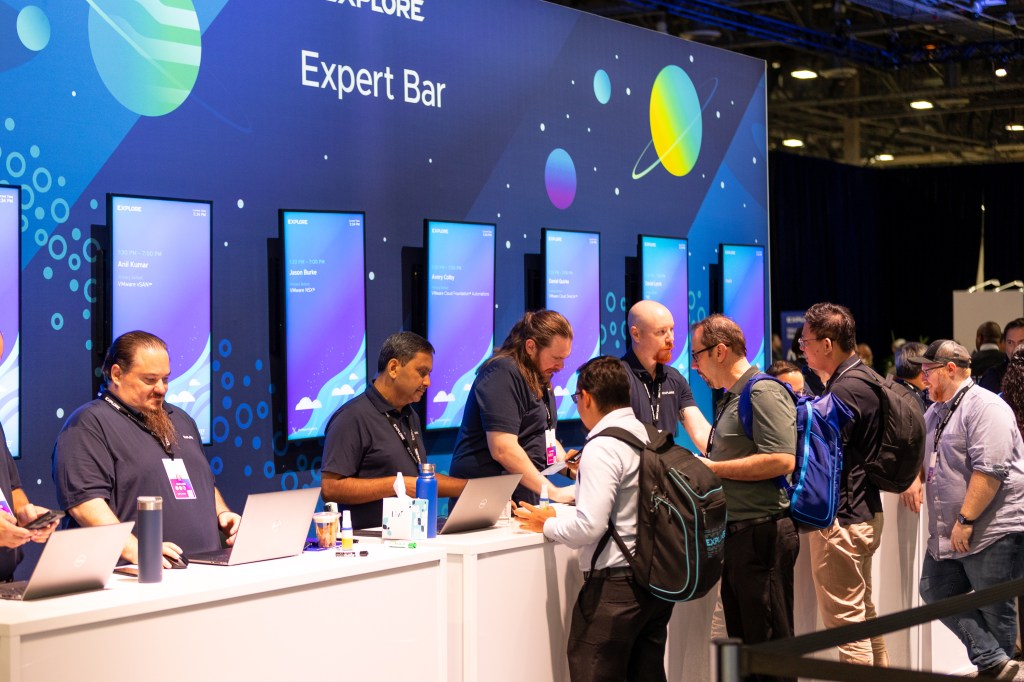
Adapt and make the most of what you already have, keeping data local and secure without sacrificing agility.

Explore delivers the framework to bridge the gap between traditional enterprise workloads and modern containerized applications with sessions from the content catalog like:
- 10 Tips for Reusing Existing Hardware for VMware Cloud Foundation 9 Deployments
- Why it fits: It directly addresses the technical friction and practical steps practitioners must take to sweat their existing assets and reuse older hardware when consolidating or shifting workloads back into an on-prem VCF private cloud deployment.
- Why it fits: It directly addresses the technical friction and practical steps practitioners must take to sweat their existing assets and reuse older hardware when consolidating or shifting workloads back into an on-prem VCF private cloud deployment.
- Conquer the 2026 Hardware Crisis: VMware Cloud Foundation 9.1 Optimization Strategies
- Why it fits: This hits the exact operational pain point of maximizing what you already have. It provides tactical strategies for squeezing more density out of existing infrastructure to avoid buying new hardware during an on-prem push.
- Why it fits: This hits the exact operational pain point of maximizing what you already have. It provides tactical strategies for squeezing more density out of existing infrastructure to avoid buying new hardware during an on-prem push.
- Meet the Experts: Importing Existing VMware vSphere Environments to VMware Cloud Foundation 9.1
- Whit it fits: Focuses heavily on the design considerations and guardrails of converging/importing existing vSphere infrastructure into a private cloud.
As we noted in our recent breakdown of the top benefits of attending, building your professional toolkit is top-of-mind. At VMware Explore, you’ll gain practical knowledge you can immediately apply to your operations. Attendees will leave with the training, tools, and strategies to build and operate a modern private cloud that is AI-native (running any workload while keeping data local and secure) so you can deliver more value back to your organization.
Now is the time to finalize your plans—the scheduling tool in the content catalog goes live on July 21.
Register for a Full Event Pass today and join us at the Venetian Convention and Expo Center from Aug. 31 – Sep. 3.
Your hardware will thank you.
Join us in at #VMwareExplore in Las Vegas to learn how Broadcom helps you optimize your on-prem reality. Share on X