
VMware VMmark 4.1 builds upon the solid foundation of VMmark 4.0, introducing a significant new capability that addresses one of today’s most critical data center concerns: energy efficiency. As organizations worldwide prioritize sustainable IT operations and seek to reduce their power consumption, this release delivers essential tools for measuring and comparing the power efficiency of virtualized infrastructure.
What’s New in VMmark 4.1
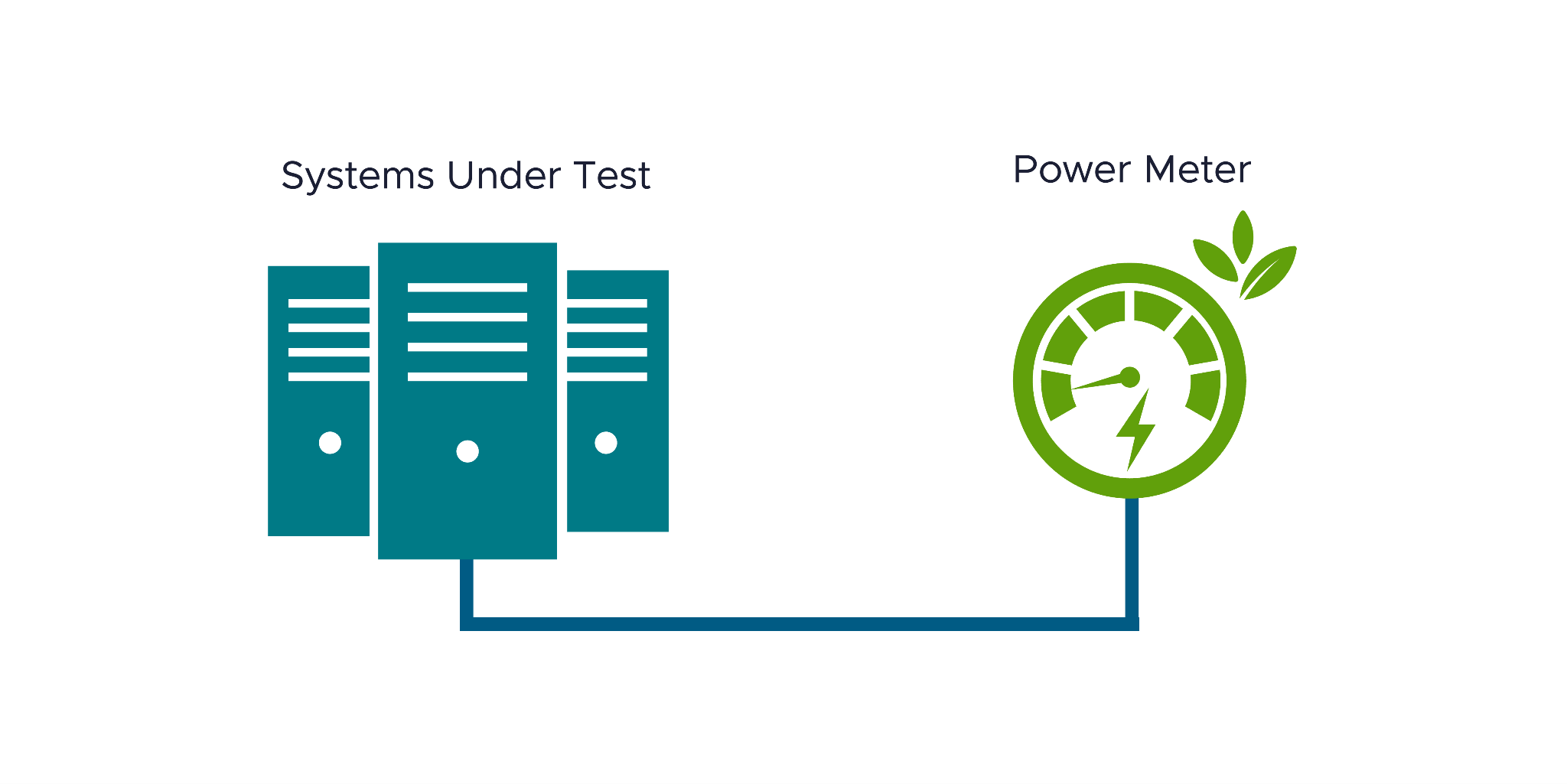
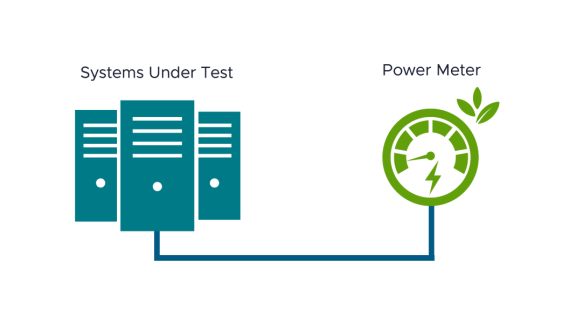
VMmark 4.1 adds the option to evaluate the energy efficiency of virtualized servers and storage by using power meters to measure the power usage of the system during a VMmark test. It then generates Server Power-Performance and/or Server and Storage Power-Performance VMmark results, measured in Performance per Kilowatt (PPKW).
VMmark 4.1 benchmark performance scores are considered directly comparable to VMmark 4.0, 4.0.1, 4.0.2, and 4.0.3 benchmark scores. However, VMmark 4.1 benchmark power scores are not comparable to any previous benchmark scores, establishing a new baseline for power efficiency measurements.
Power Efficiency in Virtualization Benchmarking
As enterprises increasingly focus on operational cost and sustainability optimization, the ability to measure and compare power efficiency across different hardware configurations becomes crucial. Incorporating real power meter data from VMmark 4.1 enables organizations to:
- Evaluate total cost of ownership (TCO) by factoring in both performance and power consumption across different server and storage configurations.
- Make performance-per-kilowatt data-driven decisions when selecting hardware for virtualized environments.
- Track improvements in power efficiency over time as infrastructure evolves.
- Support sustainability initiatives with concrete performance-per-watt metrics.
Building on VMmark 4’s Strong Foundation
VMmark 4.1 maintains all the powerful features that made VMmark 4.0 a leading choice for virtualization benchmarking.
Core Benchmark Capabilities:
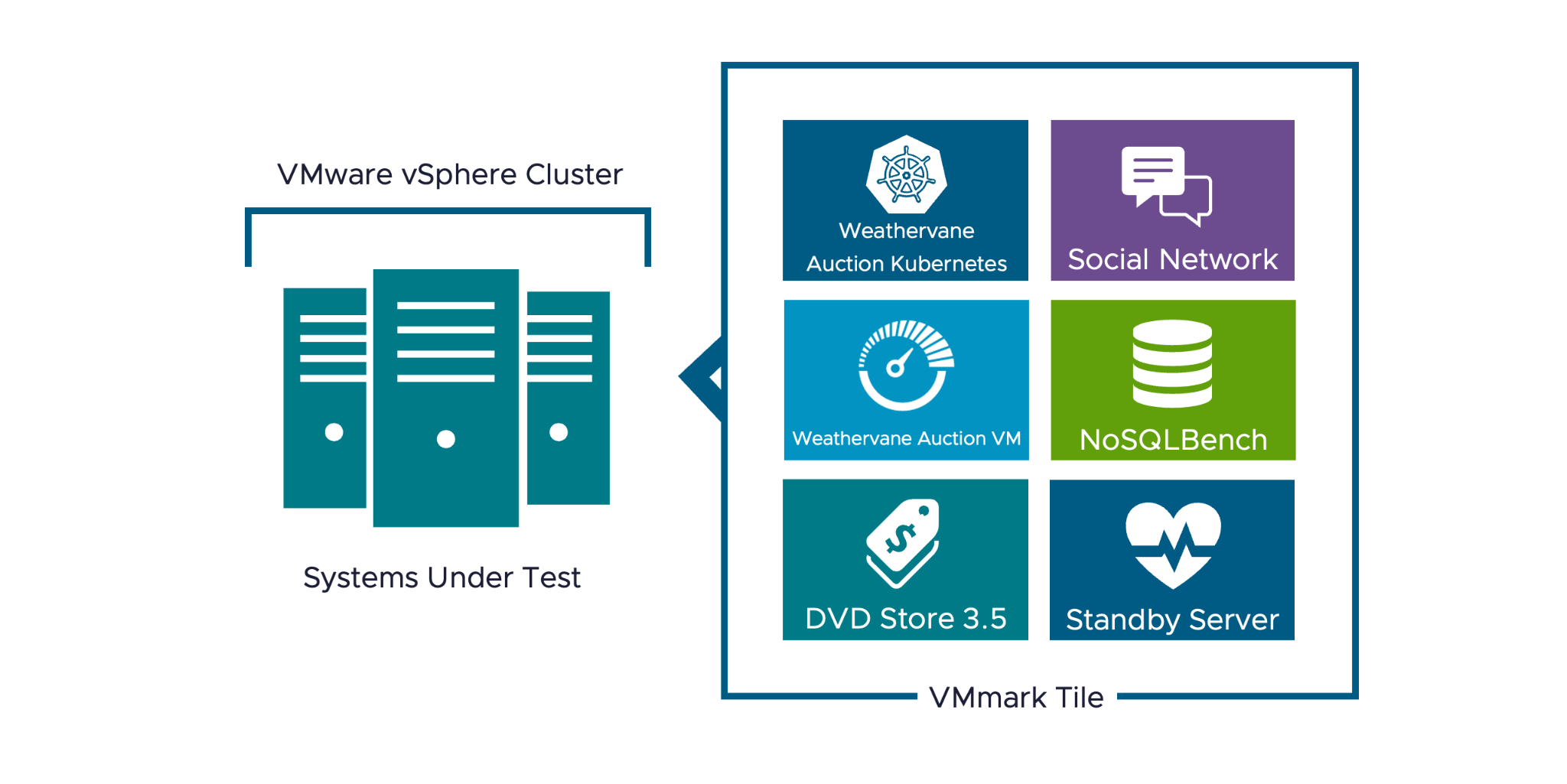
- Cluster-level performance measurement for enterprise virtualization environments
- Heterogeneous workload design using tile-based architecture
- Modern application workloads including NoSQLBench, SocialNetwork, DVD Store 3.5, Weathervane 2.0, and Standby servers
- Infrastructure operations such as vMotion, Storage vMotion, Cross-host Storage vMotion, and automated clone & deploy
- DRS integration for realistic load-balancing scenarios
Compatibility and Migration Path
One of the key strengths of VMmark 4.1 is its compatibility with previous versions. Performance benchmarks remain directly comparable across VMmark 4.0, 4.0.1, 4.0.2, 4.0.3, and 4.1, ensuring that existing benchmark data and comparisons remain valid. This compatibility makes it easy for organizations to upgrade and begin collecting power efficiency data without disrupting their existing benchmarking processes.
Getting Started with VMmark 4.1
VMmark 4.1 is available as a free download and maintains the streamlined deployment process introduced in VMmark 4.0. For most environments, you can go from the downloadable VMmark template VM to comprehensive results—including new power efficiency metrics—in approximately two hours for a turbo run.
The new power efficiency features integrate seamlessly with existing VMmark workflows, requiring minimal additional configuration while providing valuable new insights into your virtualized infrastructure’s energy profile.
Looking Forward
VMmark 4.1’s power efficiency capabilities make it an essential tool for modern data center management. As sustainability becomes increasingly important in IT decision-making, the ability to measure and optimize performance per kilowatt will be crucial for maintaining competitive and responsible virtualized infrastructure.
Whether you’re evaluating new hardware, optimizing existing deployments, or working toward sustainability goals, VMmark 4.1 provides the comprehensive benchmarking capabilities needed to make informed decisions about your virtualized environment’s performance and efficiency.
VMware VMmark 4.1 is available for download at support.broadcom.com. For detailed documentation and getting started guides, visit the VMmark primary downloads.
Discover more from VMware Cloud Foundation (VCF) Blog
Subscribe to get the latest posts sent to your email.