We’ve covered a lot of ground in the first 3 parts of this series:
PART 1: Prerequisites and Hardware Compatibility
PART 2: Design for Security, Redundancy, and Scalability
But there is a lot more to learn about Memory Tiering. In fact, vSAN often comes up in conversations about Memory Tiering given its similarities, but also due to compatibility inquiries, so let’s dive in.
When we first started working with Memory Tiering, the similarities between Memory Tiering and vSAN OSA were quite evident. Both have a multi-tier approach where active data is on fast devices and dormant data is on less expensive devices, thereby helping reduce TCO and the need for expensive devices for dormant data. They are also both deeply integrated into vSphere and are easy to implement. But aside from similarities, there was initially some confusion about compatibility, integration, and having both features enabled at the same time. So, let me answer those questions.
Yes, you can have vSAN and Memory Tiering enabled on the same clusters at the same time. The confusion that exists is more around vSAN providing storage to Memory Tiering which is definitely not supported. I’ve covered this before, but I want to reiterate that although both solutions may be using NVMe devices, it does not mean they can share resources. Memory Tiering requires its own physical or logical device strictly for memory allocation. We do not want to share this physical/logical device with anything else including vSAN or other datastores. Why? Well, if we share the Memory Tiering device with anything else, we may be competing for bandwidth, and certainly don’t want to slow memory down for the sake of “not wasting” NVMe space. That’s like saying my car’s fuel tank is half full, so I’ll add water to it so I’m not wasting space… (DON’T do this by the way).
Having said that, you could technically create several partitions for a lab (at your own risk), but when it comes to production workloads, make sure to use a dedicated physical or logical (HW RAID) device exclusively for Memory Tiering. Speaking of lab deployments, I will cover this in Part 5 so you can play with it and explore this feature.
To summarize vSAN and Memory Tiering, they CAN coexist, but they cannot share resources (drives/datastore), they work well on the same cluster, but their functions do not overlap, they are independent solutions. VMs can be using a vSAN datastore and Memory Tiering. You can even have VMs with vSAN encryption and Memory Tiering encryption – but these work at different levels. Although the solutions seem to work in a similar way, they work independently of each other and nicely work together to provide a more complete infrastructure under the VCF umbrella.
Storage Considerations
We now know we cannot use vSAN to provide storage to Memory Tiering, but the same principle applies to other datastores or NAS/SAN solutions. We want a dedicated device for Memory Tiering that is locally connected to the host and does not have any other partitions created. So, we do not present an NVMe-backed datastore to be used for Memory Tiering. There is one scenario where this occurs, but that is just for a lab scenario and not production; again I will cover this on Part 5.
When it comes to other storage, I also want to highlight that we don’t share devices with local storage and Memory Tiering either. Meaning the same device cannot be serving both local storage (local datastore) and Memory Tiering at the same time. However, you can leverage those devices for Memory Tiering. Let me explain.
Let’s say you really want to get Memory Tiering in your environment (why wouldn’t you?!) but you don’t have spare NVMe devices, and your CapEx request to buy new devices was not approved. You could take away NVMe devices from local datastores or even vSAN for Memory Tiering purposes by following the correct procedure:
- Make sure the device you are considering is in the recommended list of devices with Endurance class D and Performance class F or G. (See Part 1 of the blog series)
- Remove NVMe device from vSAN or a Local Datastore
- Delete any partitions leftover from vSAN or Local Datastore
- Create a Memory Tiering partition
- Configure Memory Tiering on the host or cluster
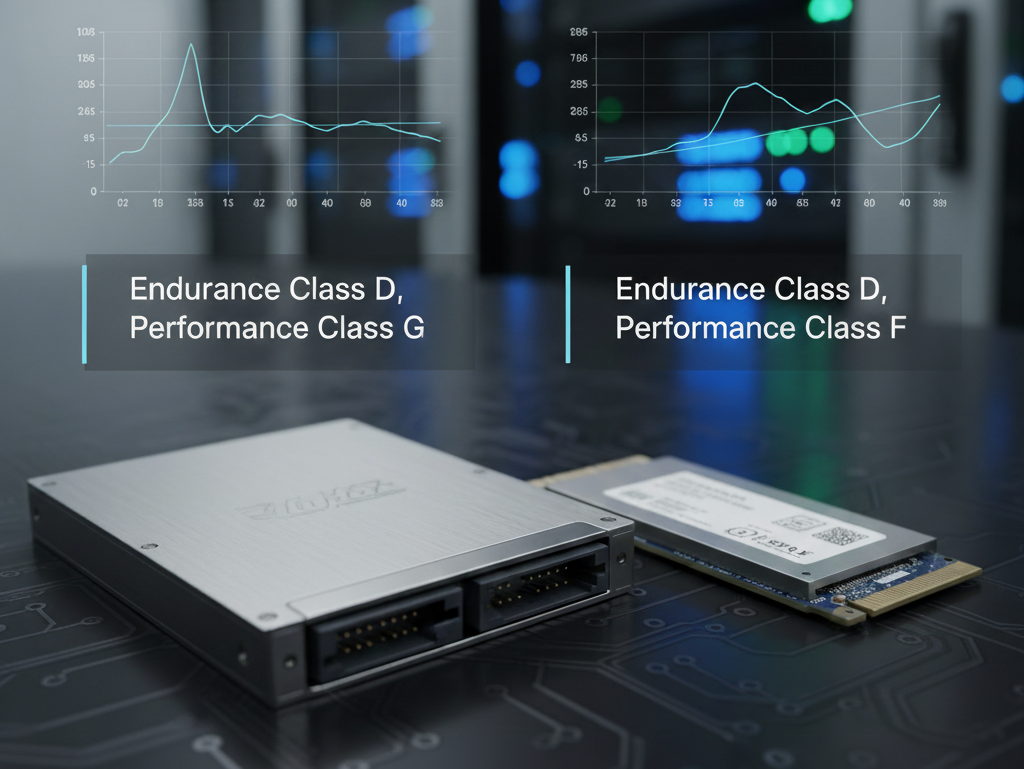
As you can see, we can “steal” devices away for Memory Tiering purposes, but it is crucial to ensure you can afford to lose those devices from the previous datastores, and that such device meets the requirements for endurance, performance, and clean partitions. Also make sure you protect/move your data somewhere else if needed while reclaiming devices.
This is just a step you can take if you are in a difficult situation and need to acquire devices; however, if the data on those devices needs to survive, ensure you have space somewhere else. Do this at your own risk.
As of the release of VCF 9, there is no workflow during VCF deployment to claim devices for Memory Tiering and vSAN auto-claims devices during the deployment process. So, you may need to utilize this procedure to reclaim the device you intended for Memory Tiering out of vSAN if deploying VCF in a greenfield environment. We are working to improve this process in the near future.
Speaking about greenfield deployments, the next part of this blog series will cover different deployment scenarios including greenfield, brownfield, and even lab environments. Stay tuned for the next episode!
Blog series:
PART 1: Prerequisites and Hardware Compatibility
PART 2: Designing for Security, Redundancy, and Scalability
PART 4: This Blog
PART 6: End-to-End Configuration
Additional information on Memory Tiering
Discover more from VMware Cloud Foundation (VCF) Blog
Subscribe to get the latest posts sent to your email.