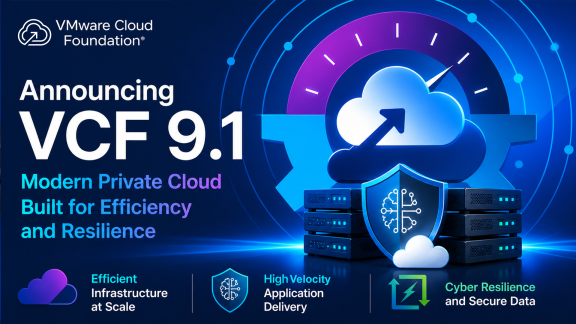

The wait is over! VMware Cloud Foundation (VCF) 9.1 has officially hit General Availability, bringing a massive leap forward in scale, operational clarity, and infrastructure efficiency. At VMware Hands-on Labs, our mission is to put you in the driver’s seat the moment the tech drops.
We know you don’t just want release notes—you want to log in, explore the new interface, and see these workflows in action. We are thrilled to announce that three brand-new VCF 9.1 labs are LIVE and ready for you to explore right now.
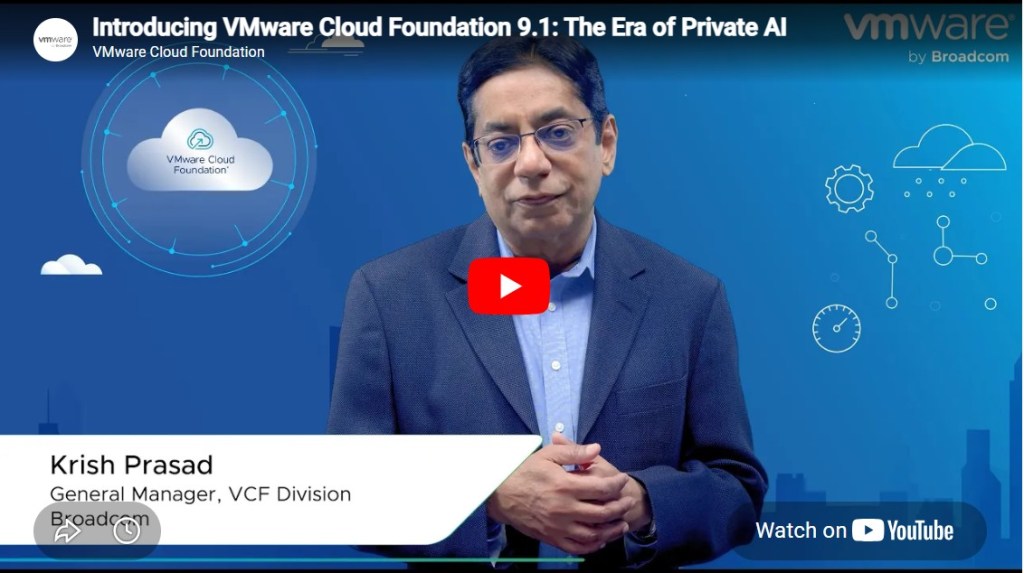
Before you dive in, click here and take a listen to what Krish Prasad, GM of the VCF Division here at Broadcom, has to say about VCF 9.1
Now, ready to get your hands on the keyboard? Let’s dive in.
What’s New in VMware Cloud Foundation 9.1 | [HOL-2701-01]
Level: Beginner | Time: ~150 Mins
If you want the fastest path to understanding the breadth of VCF 9.1, start here. This lab provides a deep dive into the redesigned VCF Operations interface, a seamless command center to build, protect, and operate your private cloud.
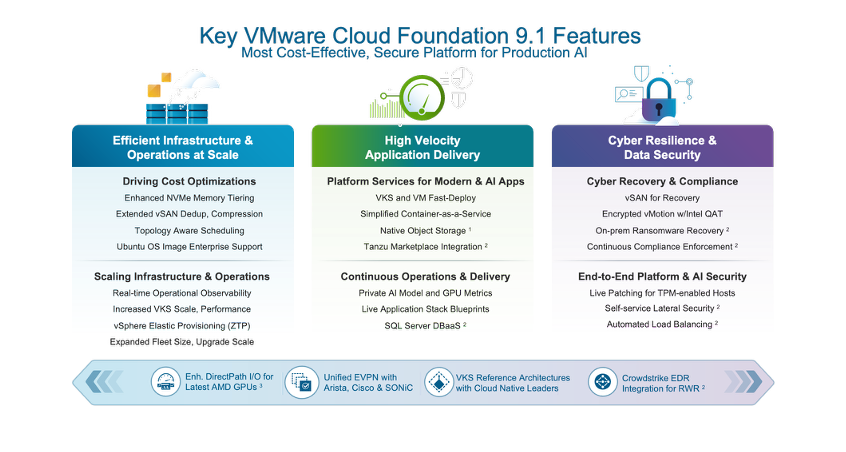
- Unified UX: Navigate the new Operate, Manage, Protect, and Build segmented interface.
- Health & Diagnostics: Use Active Findings to quickly diagnose issues across vSAN, NSX, and ESXi through property and log-based signatures.
- Security Posture Management (SPM): Assess infrastructure against security benchmarks with automated compliance scoring and one-click remediation.
- Native Log Management: Explore the new integrated log architecture built on OpenSearch.
- VCF Automation: Get practical with Namespace Self-Service and see how Namespace Capture serializes live environments into reusable YAML blueprints.
Hands-On with Kubernetes: Essential Updates and Capabilities in VCF 9.1 | [HOL-2702-01-VCF-L]
Level: Intermediate | Time: ~150 Mins
Platform engineering is the heart of the modern data center. This lab explores the massive scale improvements in vSphere Kubernetes Service (VKS) and the new ways VCF manages VMs, containers, and Kubernetes side-by-side.
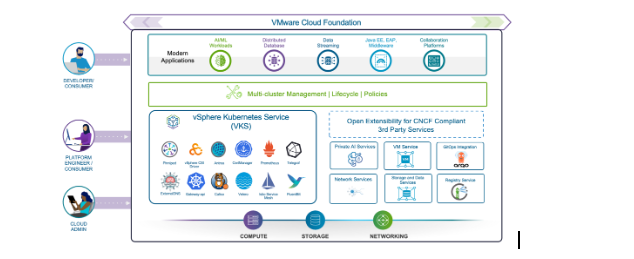
Lab Highlights:
- VM Service and Fast Deploy: Use the new Linked Clone deployment to spin up Ubuntu workloads in seconds.
- VKS 3.6 and Scale: Witness the power of a control plane supporting up to 500 clusters with up to 70% faster provisioning.
- Multi-Network Support: Experience advanced networking where cluster nodes are deployed with multiple vNICs to isolate application, storage, and management traffic.
- Regional Harbor: Complete the hands-on setup of a Regional Harbor Instance with replication rules to manage container images at scale.
Memory Tiering in VMware Cloud Foundation 9.1 | [HOL-2703-01-VCF-L]
Level: Intermediate | Time: ~60 Mins
Infrastructure efficiency is no longer a guessing game. VCF 9.1 introduces Memory Tiering, allowing you to use NVMe SSDs as a secondary memory tier to increase VM density and lower TCO.
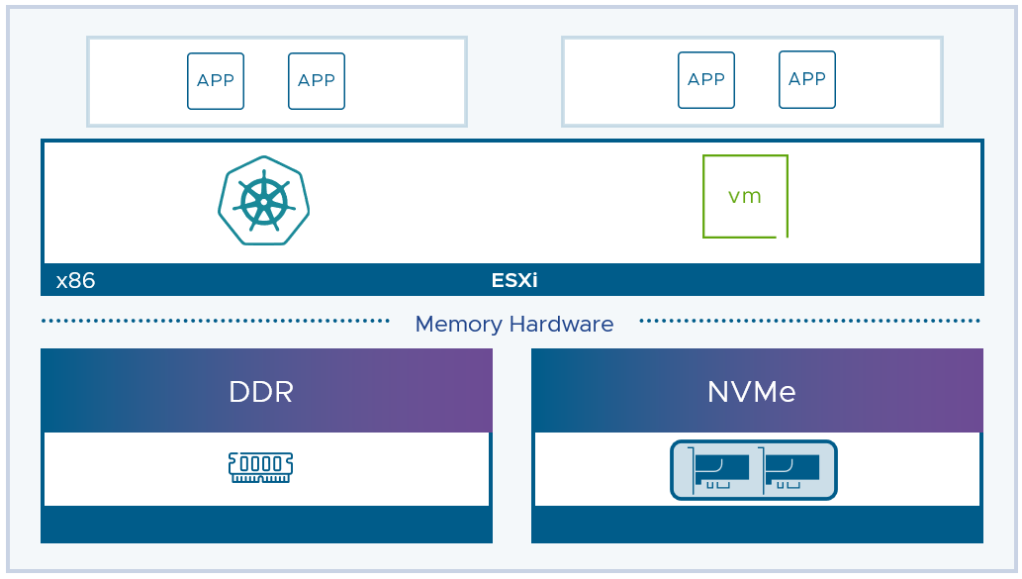
What’s Inside:
- The Tiering Engine: Learn how ESXi intelligently moves “Cold” and “Very Cold” memory pages to NVMe to free up expensive DRAM.
- Hands-on Configuration: Walk through enabling tiering at the cluster level and configuring Memory Mirroring for NVMe-tier redundancy.
- Observability and Simulation: Use VCF Operations to track Tier 0 vs. Tier 1 performance and project potential cost savings and capacity gains before purchasing hardware.
Experience the Future of Private Cloud Today
These labs are available in your browser and require zero infrastructure on your end. We provide the environment; you provide the curiosity.
| Lab ID | Title |
|---|---|
| HOL-2701-01 | What’s New in VMware Cloud Foundation 9.1 |
| HOL-2702-01 | Hands-On with Kubernetes: Essential Updates and Capabilities in VCF 9.1 |
| HOL-2703-01 | Memory Tiering in VMware Cloud Foundation 9.1 |
Discover more from VMware Cloud Foundation (VCF) Blog
Subscribe to get the latest posts sent to your email.