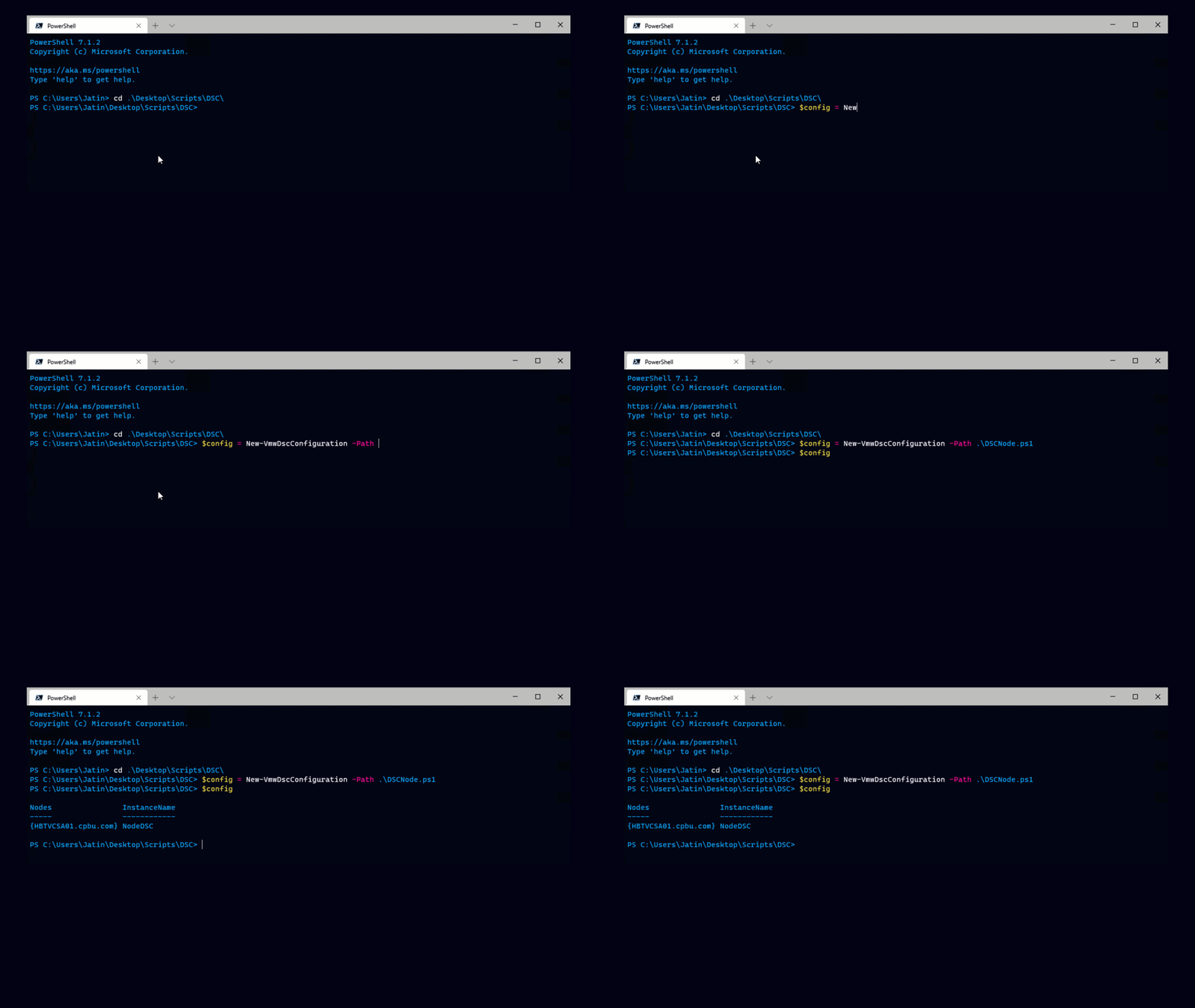
A few months ago we announced a very exciting new application we call “Project Onyx”. To put it simply, Project Onyx is a script recorder for vSphere Client. Since then my inbox has been flooded with requests from all over the world from people wanting to try Onyx. At long last we’ve released our first public alpha.
Here’s a video that shows a quick demo of using the alpha build. You can also download Project Onyx.
There are two things to note when you’re using Onyx. First, the code Onyx generates makes heavy use of direct API calls rather than PowerCLI cmdlets. So even if you use Onyx to power on a VM, instead of using the Start-VM cmdlet it will use the API’s PoweronMultiVM_Task. To put it another way Onyx is best for automating things that can’t be automated using native PowerCLI cmdlets.
Second, you will need to edit scripts that Onyx produces in order to turn them into reusable code. The code Onyx produces today includes a lot of parameters that are very specific to the object you select and have to be refactored or removed. I’ll expand on this subject in later posts. Still Onyx makes it a lot easier than poring through API documentation.