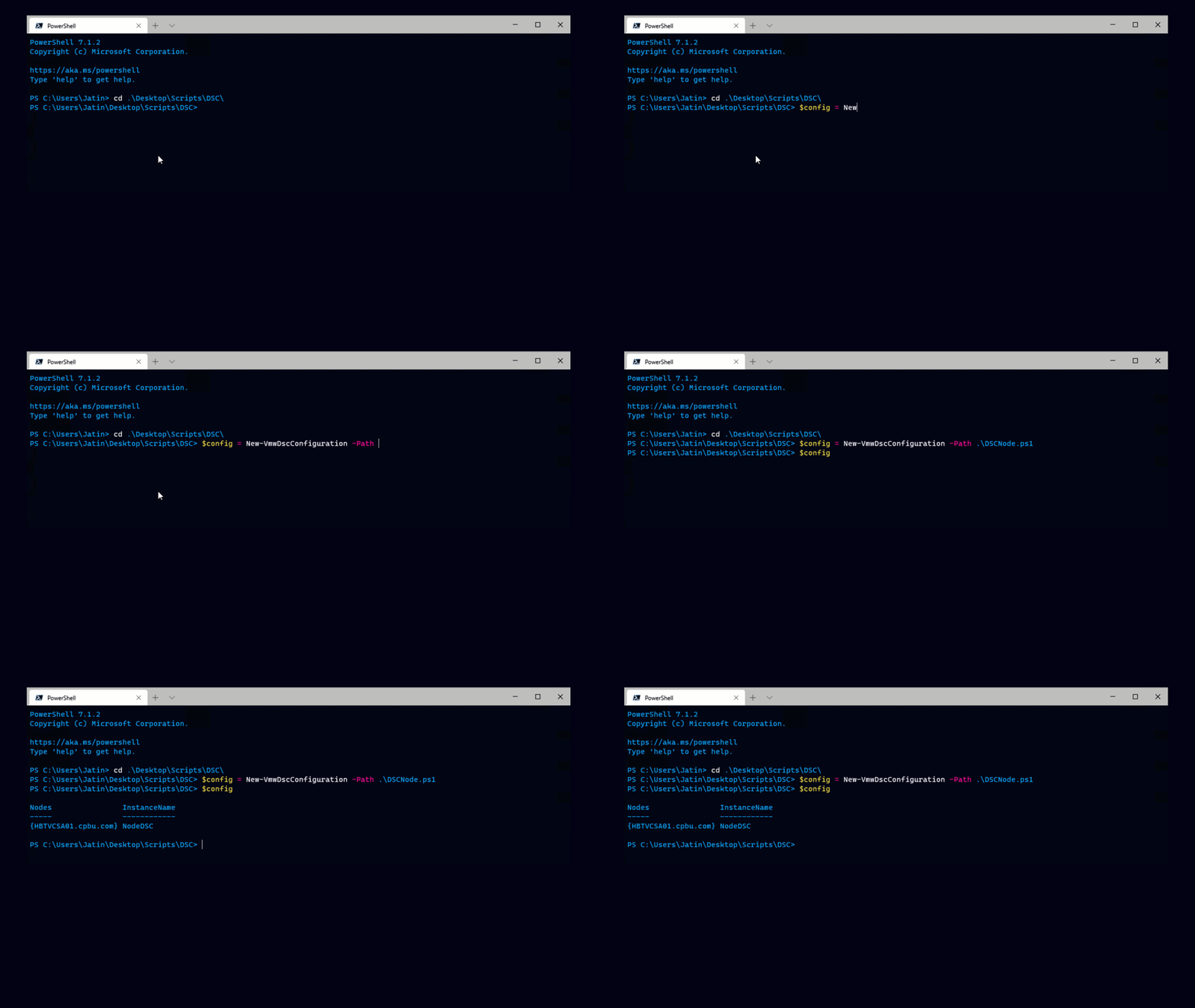
As Dmitry announced on his blog, you can now run PowerGUI directly inside the VI Client! This is true for both the PowerGUI console as well as the PowerGUI Script Editor.
 In other words, you can now launch the PowerGUI Script Editor, with all of the syntax highlighting, tab completion and debugging features you love without having to bother with a separate login.
The same is also true for the updated VMware PowerGUI PowerPack, which has a lot of nice features such as the ability to easily identify old snapshots.

As if that weren’t enough, PowerGUI automatically generates reusable PowerShell code based on your actions, much like recording a macro in Excel.

For those of you out there who have been meaning to get in to scripting this is your perfect chance to get started.
It should be noted that you need to connect to VirtualCenter for the plugin to appear. In addition you’ll need the latest version of PowerGUI and the 1.0 GA VI Toolkit.