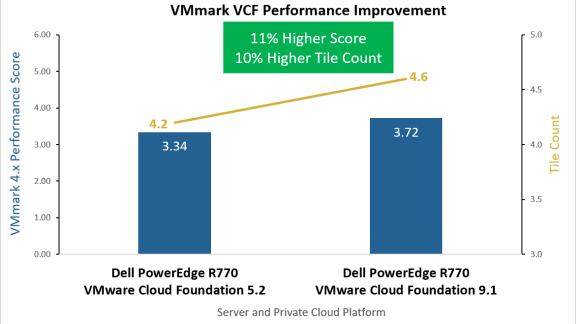
VCF Performance First VMmark 4.1 Power-Performance and VMware Cloud Foundation 9.1 Results David Morse September 16, 2026
Home Page Deploy VCF on Supermicro HGX Servers with NVIDIA GPUs for AI Workloads Yuankun Fu, Agustin Malanco, Ramesh Radhakrishnan August 31, 2026
VCF Performance Next-Gen Topology-Aware CPU Scheduler Performance Improvements in VCF 9.1 Todd Muirhead August 27, 2026
Home Page Putting Numbers Behind Encrypted vMotion Offload to Intel QAT in VMware Cloud Foundation 9.1 Dave Morera August 19, 2026
Home Page Split or Stay Whole? Disaggregated vs. Monolithic LLM Serving on VMware Cloud Foundation Enrique Corro, Ramesh Radhakrishnan July 31, 2026
Home Page Beyond Benchmarks: Engineering a Science-Grounded Validation for the Envoy AI Gateway Enrique Corro July 2, 2026
VCF Networking (NSX) Improving VMware Cloud Foundation Performance with Enhanced Data Path (EDP) Gabe Rosas, Varun Santosh June 9, 2026
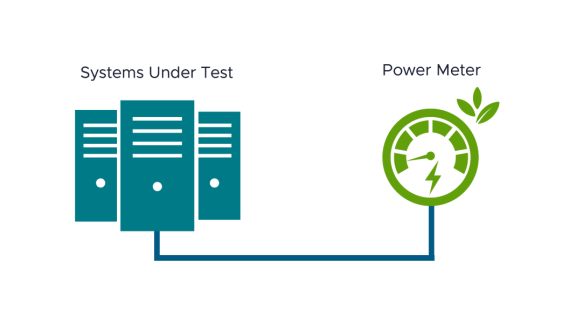
VMware Cloud Foundation Introducing VMmark 4.1: Enhanced Power Efficiency Benchmarking for Private Cloud Infrastructure Joshua Schnee May 7, 2026
VCF Performance CPU, Disk, Network, and Memory Workload Profiles for DVD Store Database Testing Todd Muirhead April 24, 2026
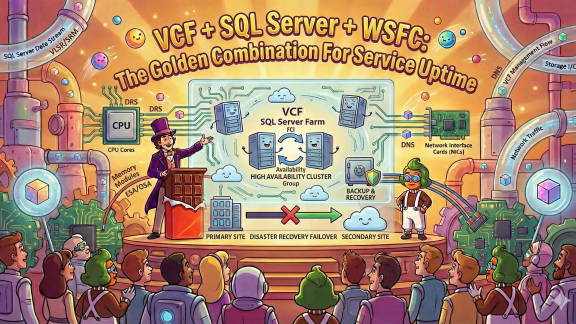
VMware Cloud Foundation Newly Updated Technical Guides: MS SQL Server and ADDS on VMware Cloud Foundation Deji February 12, 2026